Digital HACCP software matters most in busy operations where multiple sites, shifts, and suppliers create constant risk. It also helps leadership see trends early, before a minor deviation turns into waste, a recall, or a failed audit.
What is digital HACCP software, and what does it replace?
Digital HACCP software is a platform that digitises a HACCP plan and the daily records that support it. It replaces paper logs, spreadsheets, clipboards, and manual sign-offs with structured workflows, automatic prompts, and searchable evidence.
Instead of filing pages for temperatures, cleaning checks, allergen controls, and CCP monitoring, teams record them on phones, tablets, or fixed terminals. The software stores time stamps, user IDs, and supporting details in one place.
Why are paper HACCP records becoming a liability?
Paper systems fail when records are missing, illegible, backfilled, or stored in the wrong folder. Those gaps often appear during audits, customer visits, or investigations when evidence is needed quickly.
Paper also hides patterns. If a cooler drifts out of range twice a week, a binder rarely makes that obvious. Digital tools surface repeat deviations, late checks, and recurring corrective actions so managers can fix root causes sooner.
How does digital HACCP software improve day-to-day compliance?
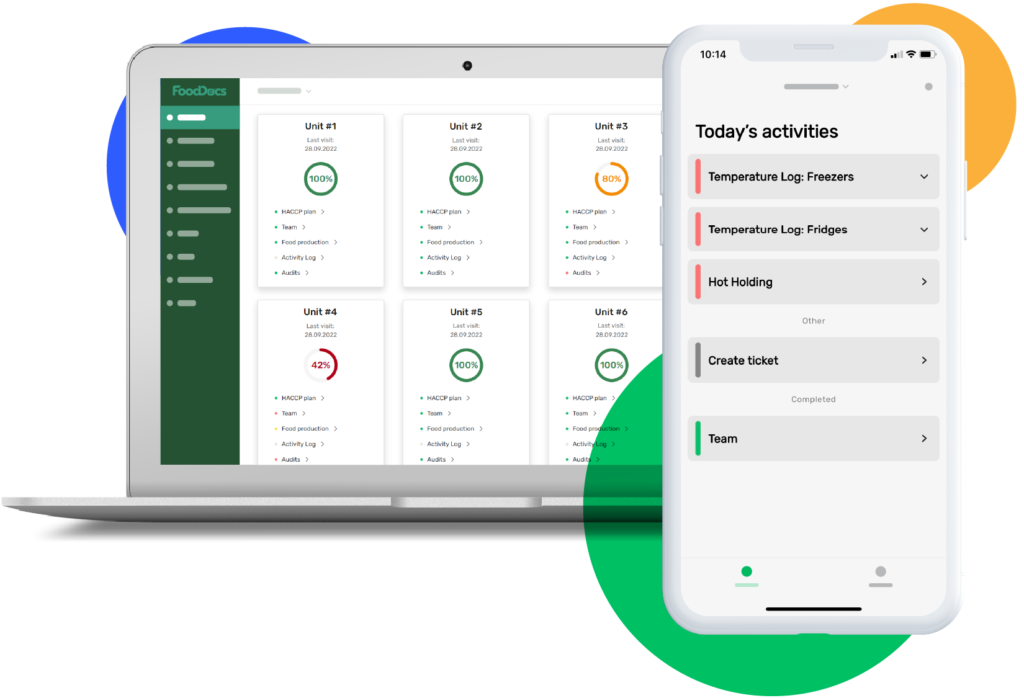
It improves compliance by guiding staff through the right checks at the right time. Tasks can be scheduled by shift, role, site, or area, with reminders and escalation when something is overdue.
It also standardises how data is captured. Staff select from approved options, attach photos when required, and record corrective actions in the same format every time. That consistency reduces “creative logging” and makes reviews faster.
Which HACCP records can be digitised?
Most routine food safety records can be digitised without changing the HACCP principles. Common examples include:
- CCP monitoring logs (cook, chill, metal detection, pH, aw, sieves)
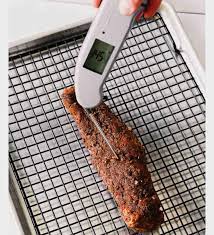
- Temperature checks (cold rooms, freezers, dispatch, display)
- Calibration and verification records
- Cleaning schedules and hygiene inspections
- Allergen controls and label checks
- Receiving checks and supplier approvals
- Corrective actions and non-conformance reports
- Training sign-offs and competency checks
The best systems let teams map records directly to hazards, CCPs, critical limits, and verification steps.
What features actually matter in a digital HACCP platform?
The most important features are the ones that prevent mistakes and make evidence easy to retrieve. Strong platforms usually include configurable forms, task scheduling, alerts, permissions, and audit-ready reporting.
Offline mode also matters in production areas with weak signal. So does simple UX, because a complicated interface pushes staff back to workarounds. Integrations can help too, especially for temperature sensors and ERP or QA systems.
How do automated sensors and alerts change HACCP monitoring?
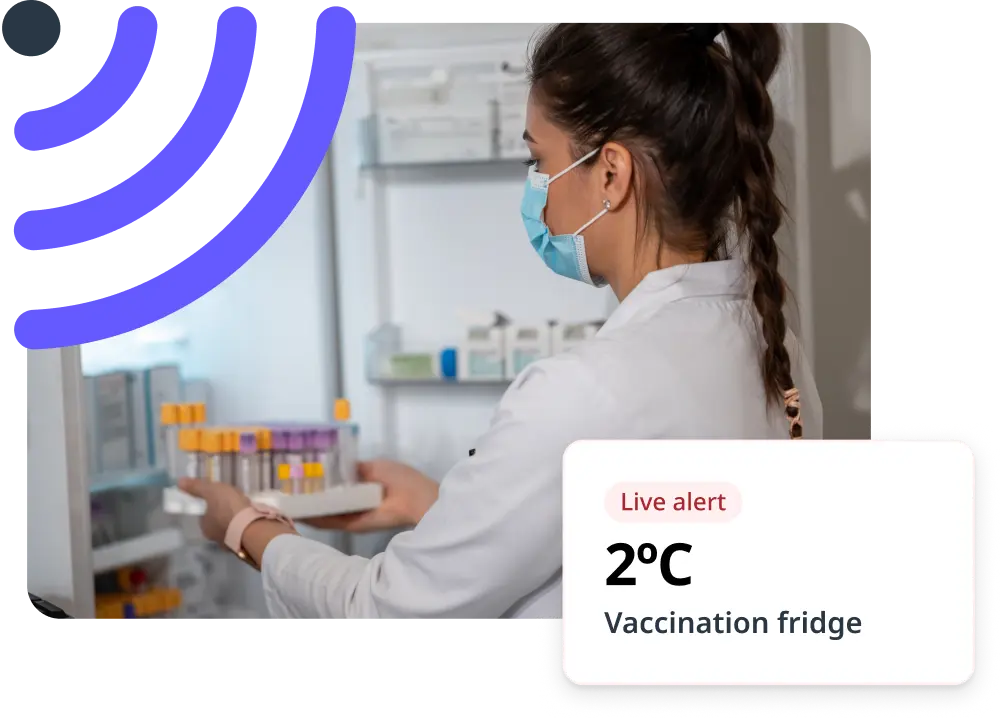
Sensors reduce manual checks and catch deviations earlier. When a fridge warms overnight, a connected probe can trigger an alert before product is compromised, rather than being discovered hours later.
Alerts only help if the response is built into the workflow. Good systems document who acknowledged the alert, what action they took, and whether the issue was verified as closed. That turns “alarm noise” into traceable corrective action.
Can digital HACCP software make audits easier?
Yes, because it keeps records searchable and complete. During an audit, teams can pull the exact date range, site, CCP, product, or line and export evidence in minutes.
Auditors also tend to trust clean data trails. Time stamps, user logs, version control for procedures, and recorded verification steps all help demonstrate control. It becomes easier to show not only that checks were done, but that deviations were handled correctly.
What should they watch for when implementing digital HACCP?
They should treat implementation as a process change, not a software install. If procedures are unclear, digitising them will only create faster confusion.
The rollout works best when they pilot one site or one line, adjust forms to match real workflows, and then expand. Training should focus on why each record exists, what “good data” looks like, and how corrective actions should be documented.
How do they choose the right digital HACCP software?
They should choose based on fit, not feature lists. The right platform matches their operation type, risk profile, and team capability, whether they run retail food service, manufacturing, or multi-site distribution.
Key checks include: how easy it is to build forms, how reporting works, whether it supports their CCPs, and whether support is responsive. They should also confirm data ownership, export options, and how the vendor handles backups and uptime.
Is digital HACCP software the future of compliance?
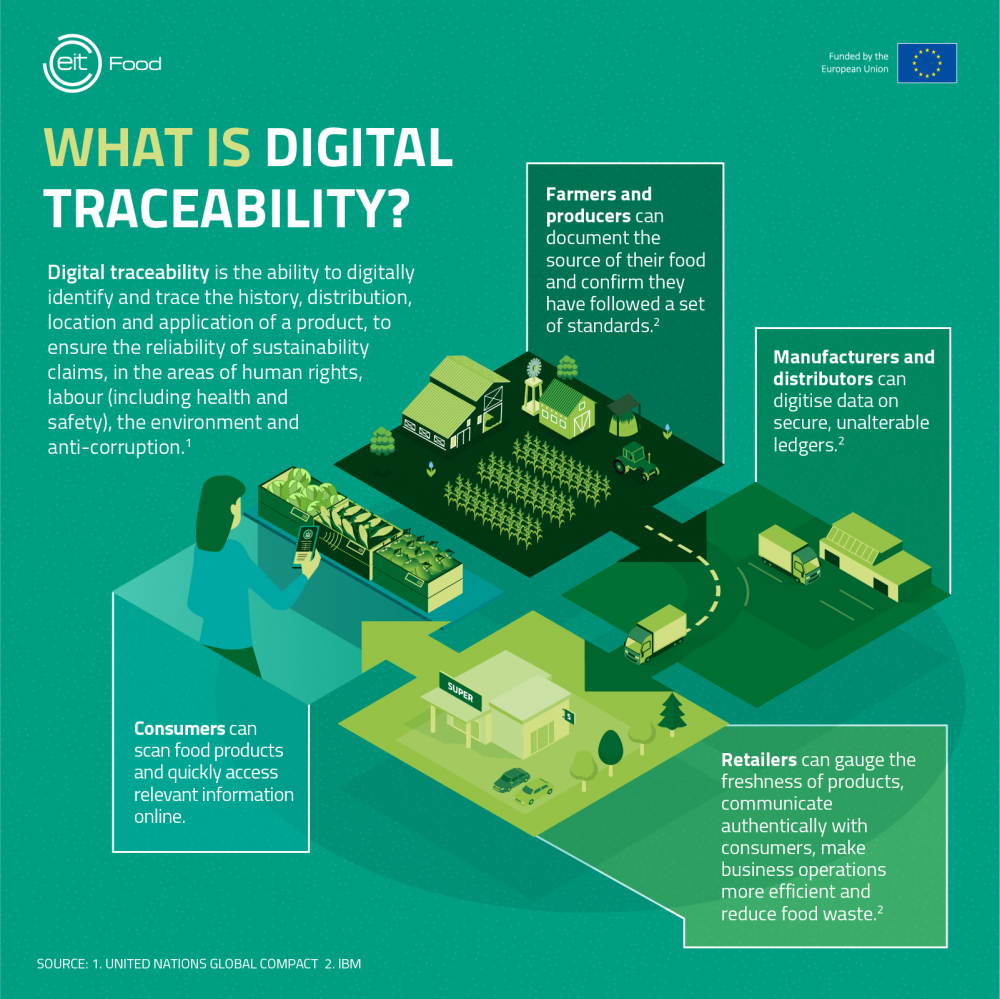
Yes, because regulators, customers, and internal QA teams increasingly expect faster evidence and stronger traceability. Digital records make it easier to prove control, learn from trends, and scale safely across sites.
The future is less about replacing paper and more about preventing failure. When monitoring, verification, and corrective actions become connected and visible, food safety shifts from “record keeping” to real-time risk management.
FAQs (Frequently Asked Questions)
What is digital HACCP software and how does it improve food safety compliance?
Digital HACCP software digitises HACCP plans and daily records, replacing paper logs and manual sign-offs with structured workflows, automatic prompts, and searchable evidence. It guides staff through the right checks at the right time, standardises data capture, and reduces errors, making compliance easier to prove and manage.
Why are food businesses transitioning from paper-based HACCP records to digital systems?
Paper HACCP records often suffer from missing, illegible, or backfilled entries, making audits and investigations challenging. Digital systems provide complete, time-stamped records that reveal patterns like recurring deviations, enabling quicker root cause resolution and reducing risks of waste, recalls, or failed audits.
Which types of HACCP records can be effectively digitised?
Most routine food safety records can be digitised without altering HACCP principles. These include CCP monitoring logs (e.g., cook temperatures, metal detection), temperature checks for cold rooms and freezers, calibration records, cleaning schedules, allergen controls, supplier approvals, corrective actions, and training sign-offs.
What key features should I look for in a digital HACCP software platform?
Essential features include configurable forms tailored to your processes, task scheduling with reminders and escalations, user permissions for data integrity, audit-ready reporting capabilities, offline mode for weak signal areas, intuitive user experience to prevent workarounds, and integrations with sensors or ERP systems for seamless data flow.
How do automated sensors and alerts enhance HACCP monitoring?
Automated sensors continuously monitor critical parameters like temperature and trigger real-time alerts if deviations occur. When integrated into workflows that document acknowledgment and corrective actions, these alerts help prevent product compromise by enabling faster responses and creating traceable evidence of issue resolution.
Can digital HACCP software simplify audit preparation and improve audit outcomes?
Yes. Digital HACCP platforms keep comprehensive, searchable records with time stamps and user logs. During audits, teams can quickly retrieve exact data by date range or CCP. Clean data trails with version control and recorded verification steps build auditor trust by demonstrating consistent control and proper handling of deviations.
Click here for about: Building a HACCP Program for Multi-Site Food Businesses